Own product
Tagwerk
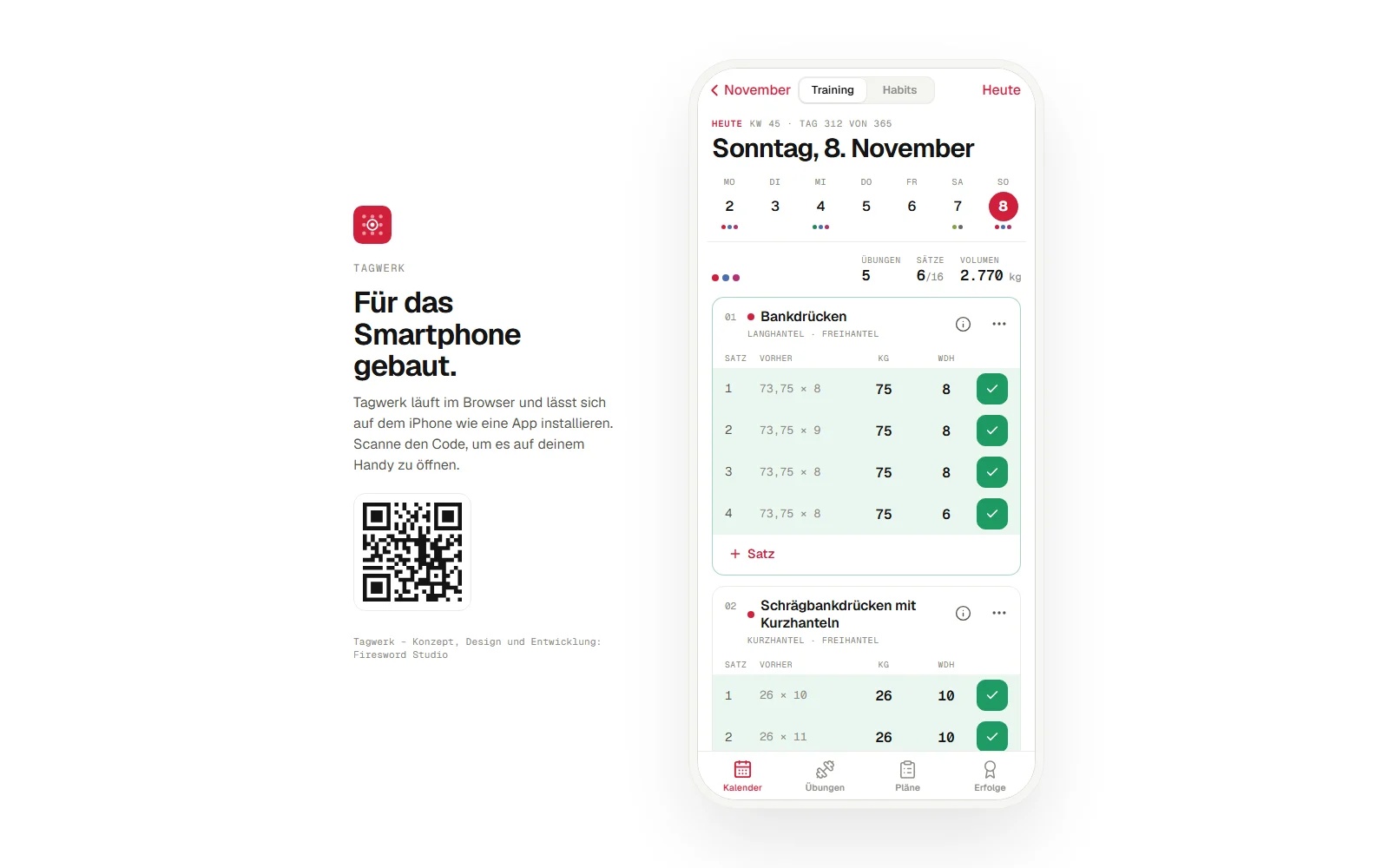
Training and habits in one app. A calendar you zoom into – and inside it every set, every weight, every check.
- Role
- Concept, design & development
- Type
- Web app for the phone
- Tech
- React, TypeScript, PWA
- Status
- Prototype – try it in the browser
Starting point
Two apps, no overview.
Workouts end up in one app, habits in another. Anyone who wants to know how the week really went jumps between lists, tabs and charts – and eventually stops tracking.
Idea
One calendar. One day. Everything in it.
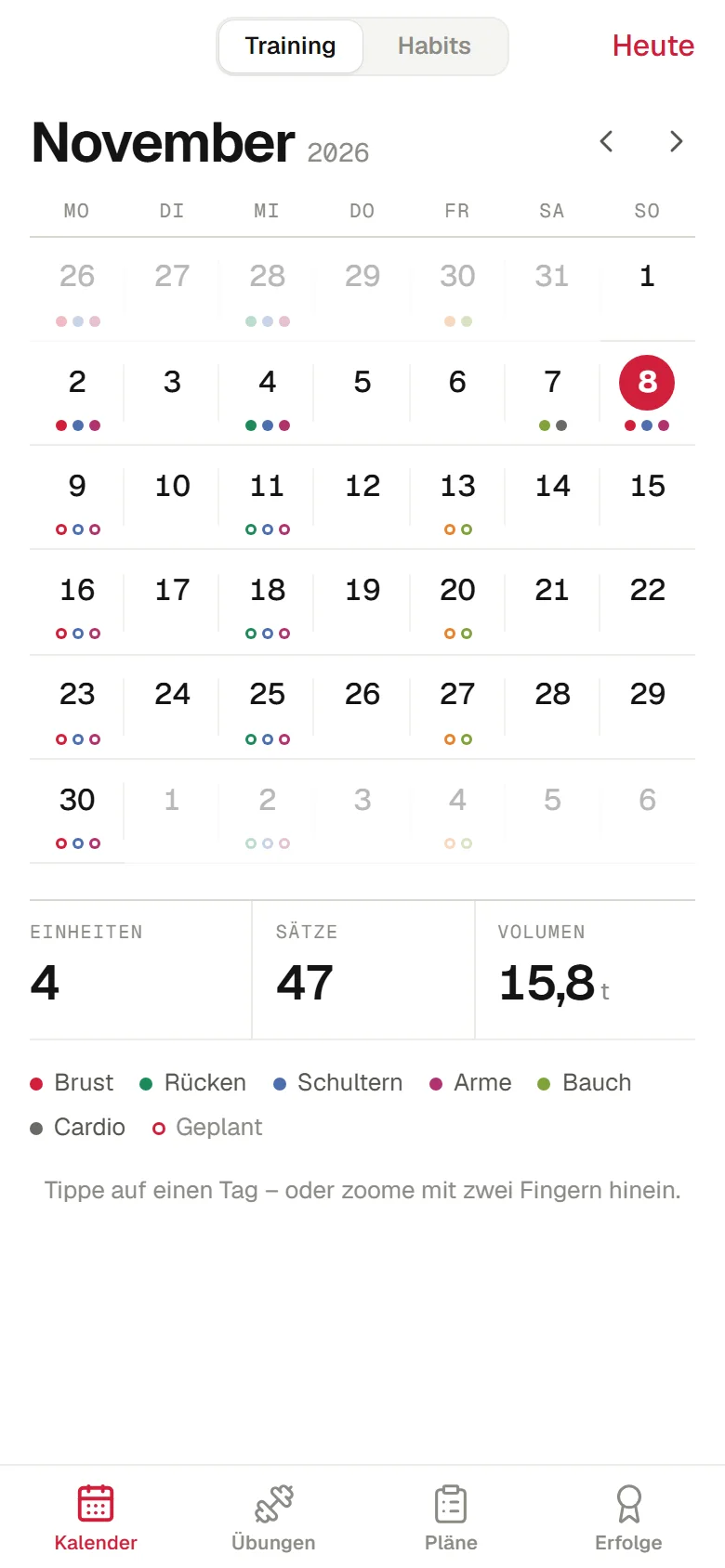
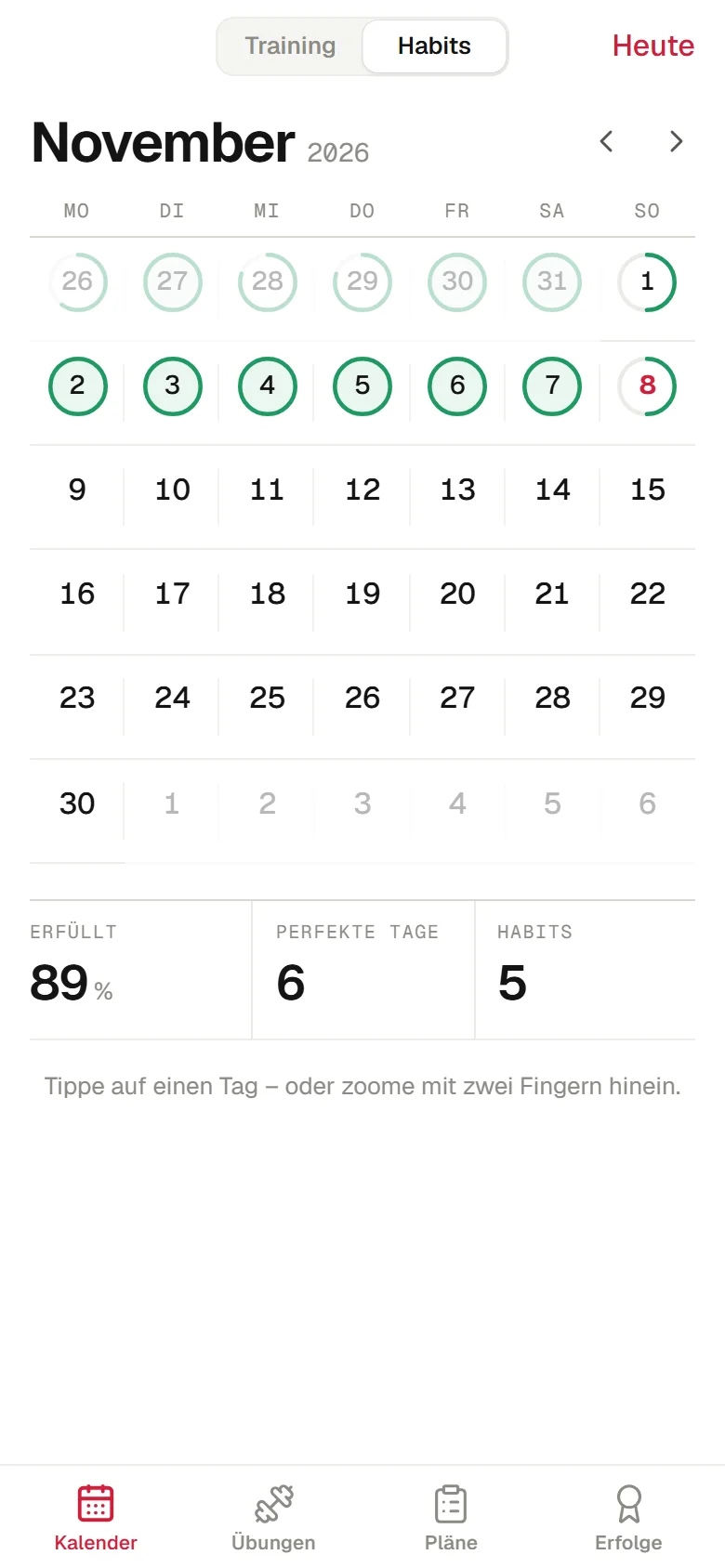
Tagwerk puts the day at the centre. In the month view, coloured dots show which muscle groups were trained. A tap or a pinch zooms in – training and habits are one switch apart.
Interaction
The zoom is the navigation.
No menu, no back stack: the month grows smoothly into the day, a pinch leads back out. The motion follows your fingers and can be interrupted at any time.
Features
Few buttons, everything in reach.
- 01
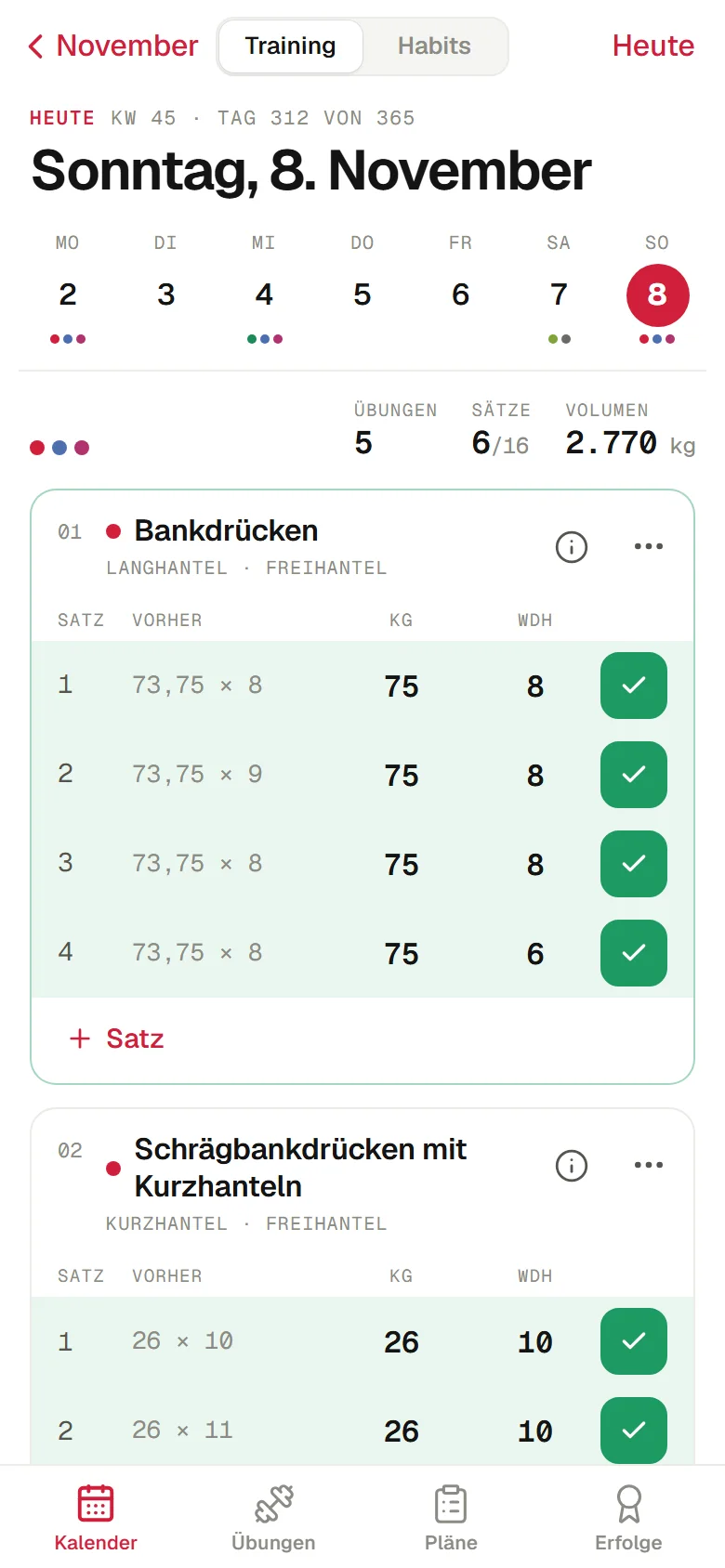
Sets in seconds
Weight and reps are suggested from your last session. One tap logs a set – new records are flagged automatically.
- 02
Workouts on demand
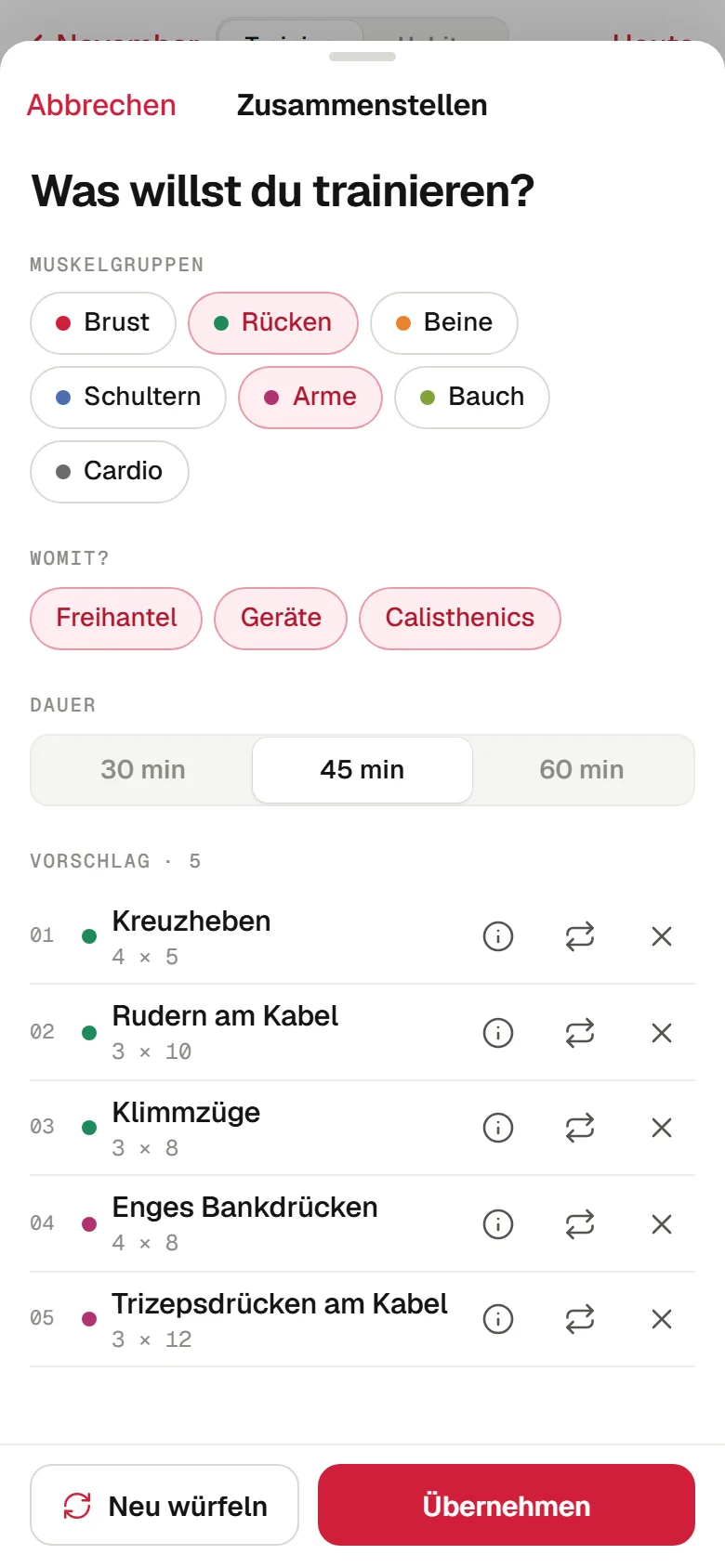
Tap a muscle group, pick duration and equipment: free weights, machines or calisthenics. Swap any exercise individually.
- 03
Training days & weekly plan
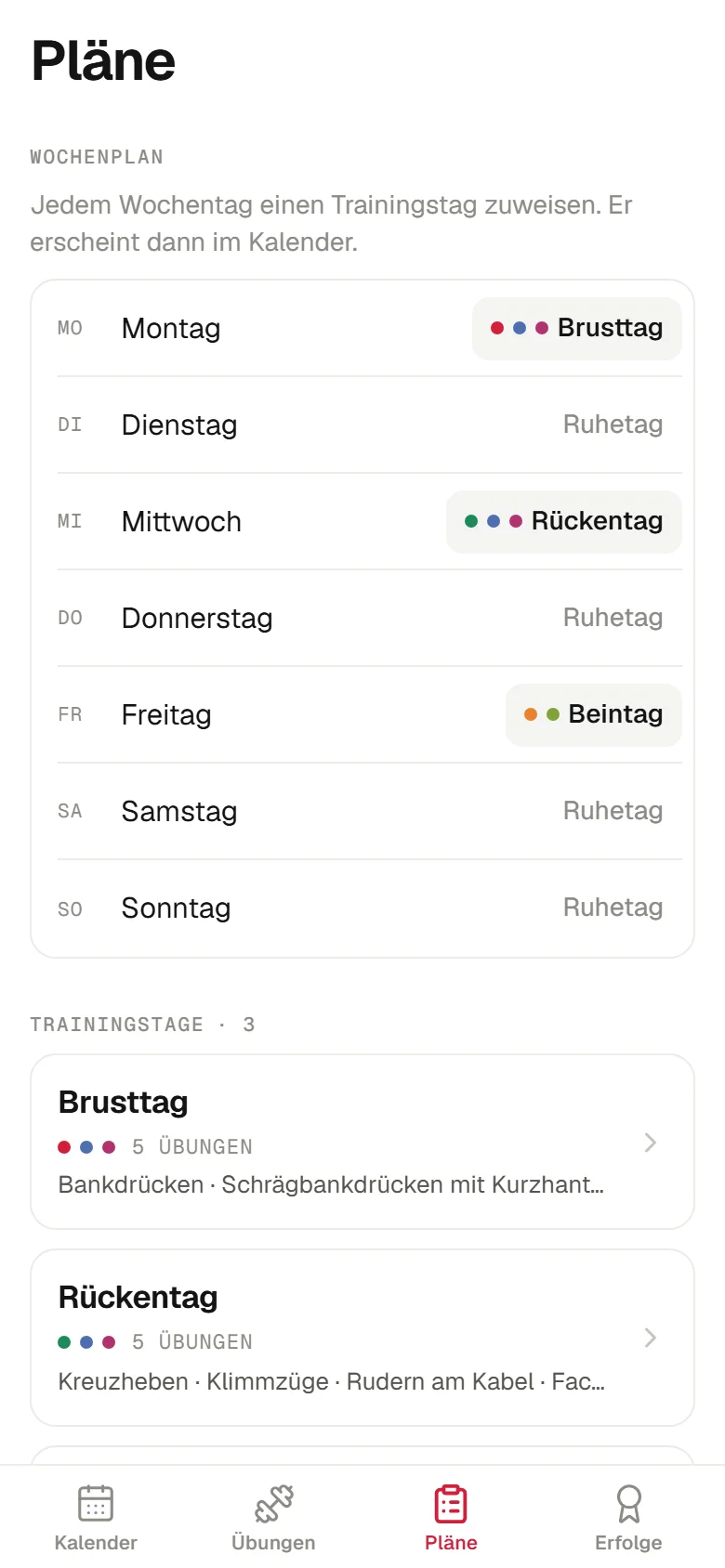
Chest day, back day, leg day: saved as templates, assigned to weekdays, pencilled into the calendar – and editable on the day itself.
- 04
Habits & badges
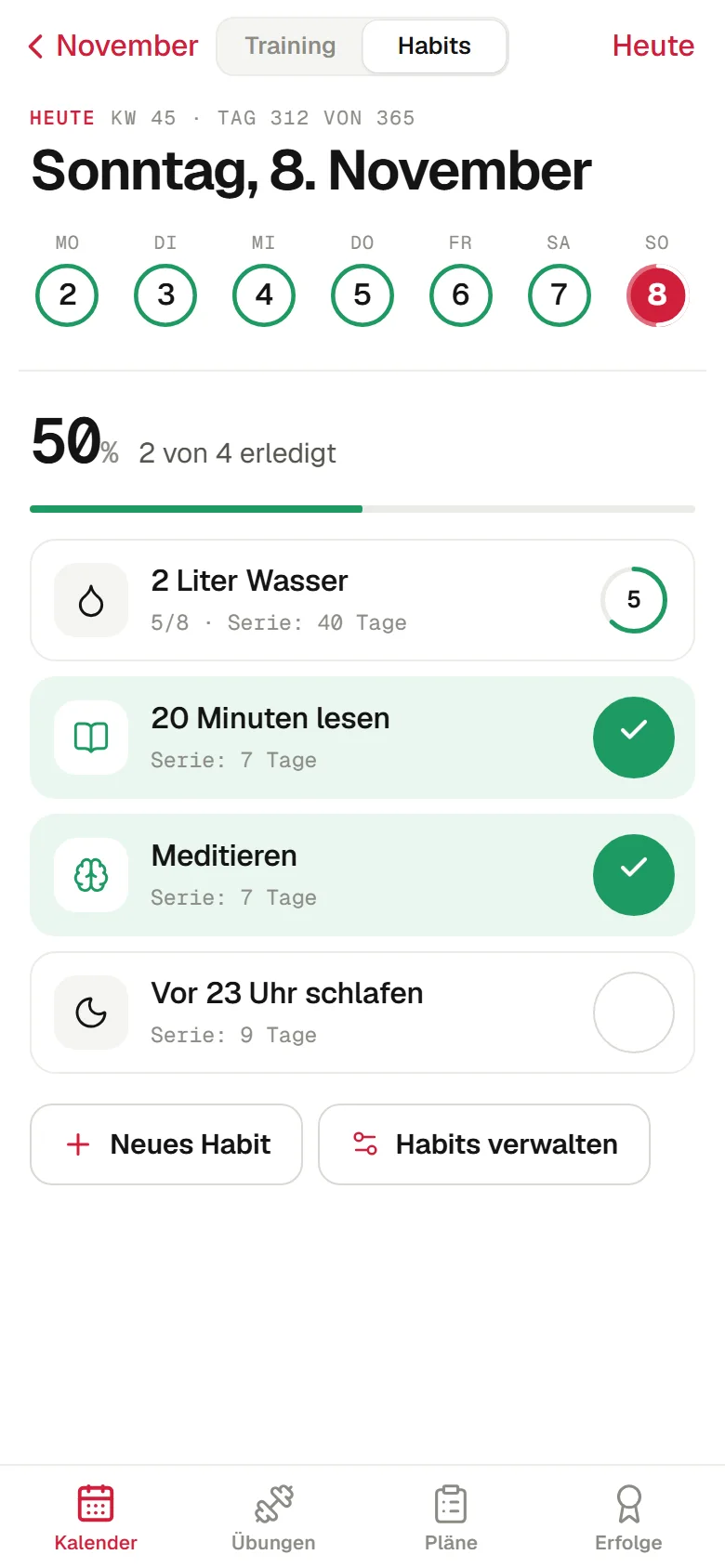
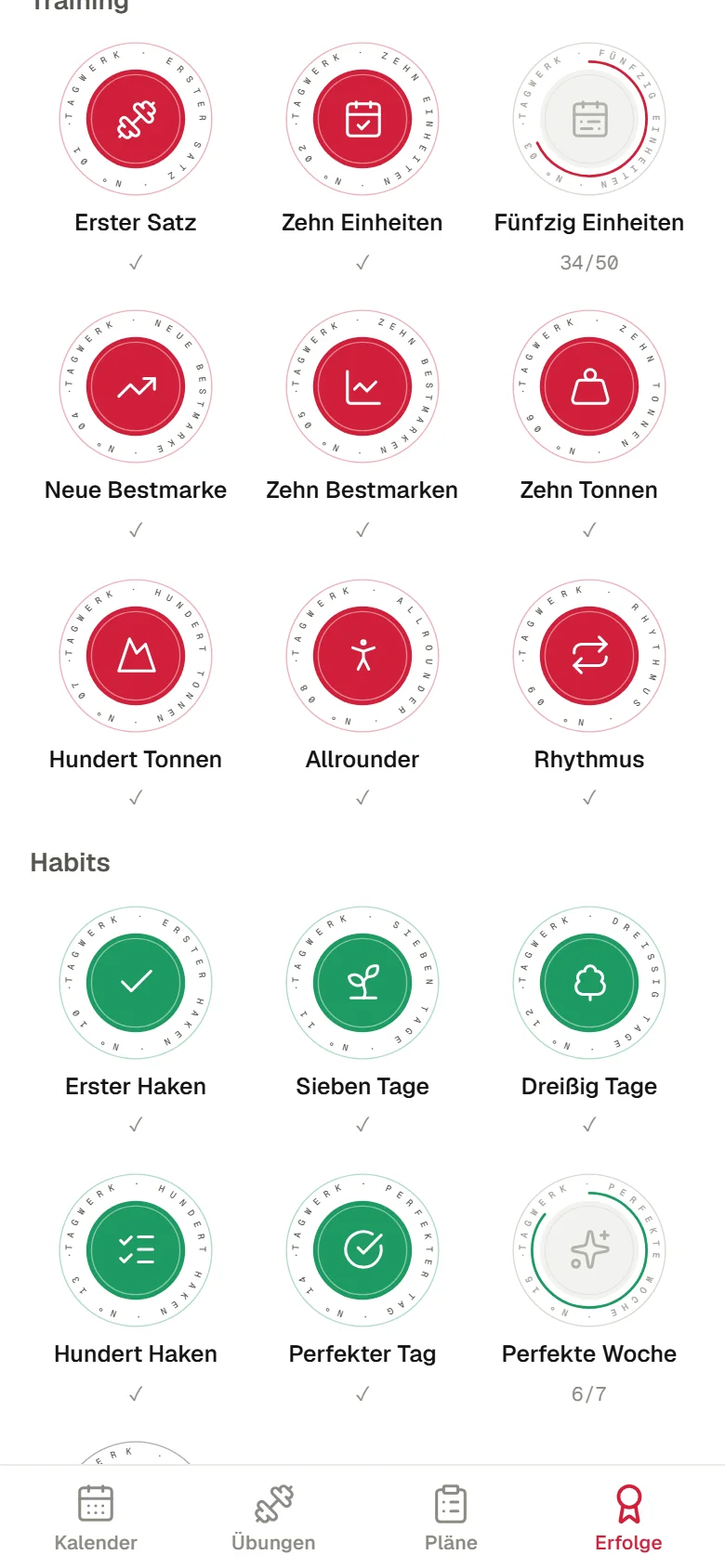
Habits with daily targets and streaks, plus 16 badges – from the first check to a perfect week.
Muscle map
Know what’s working.
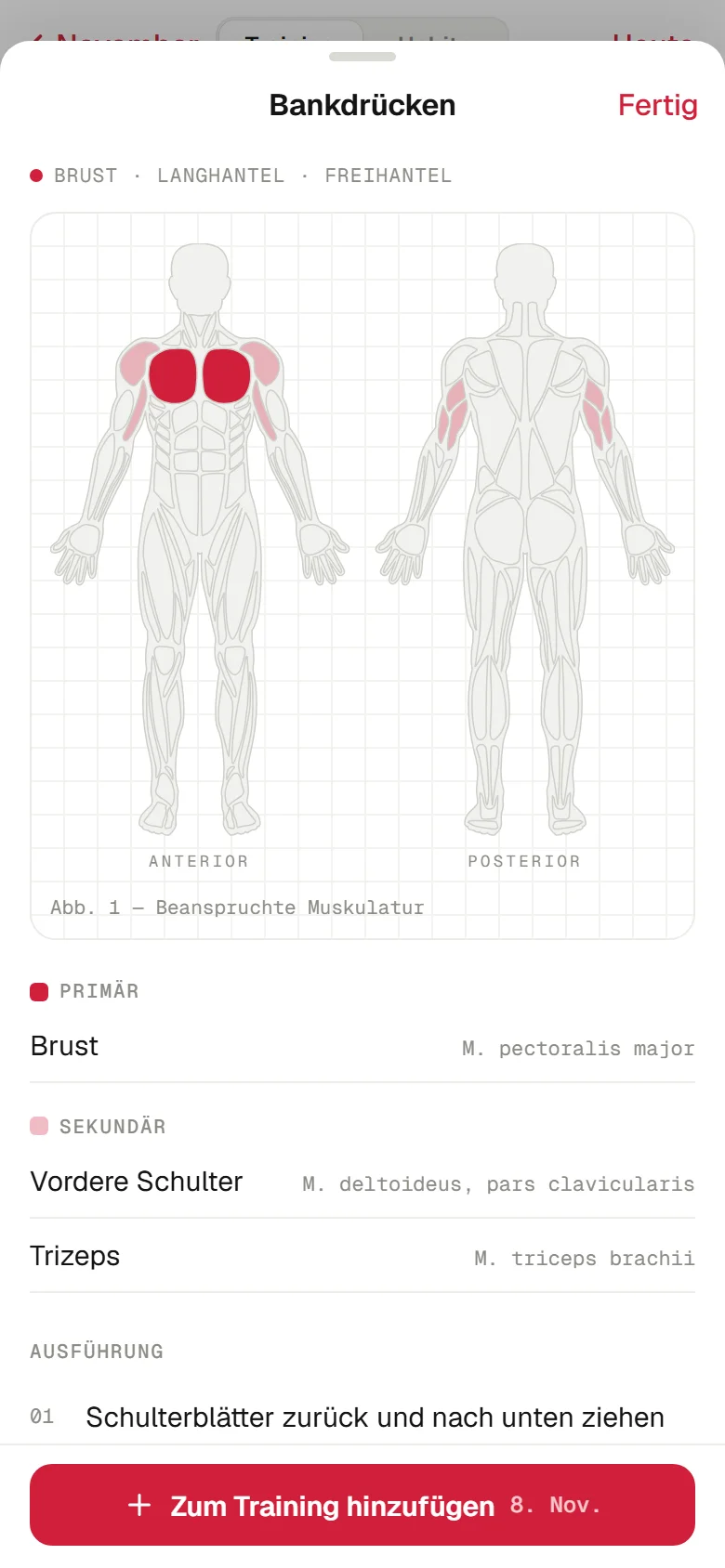
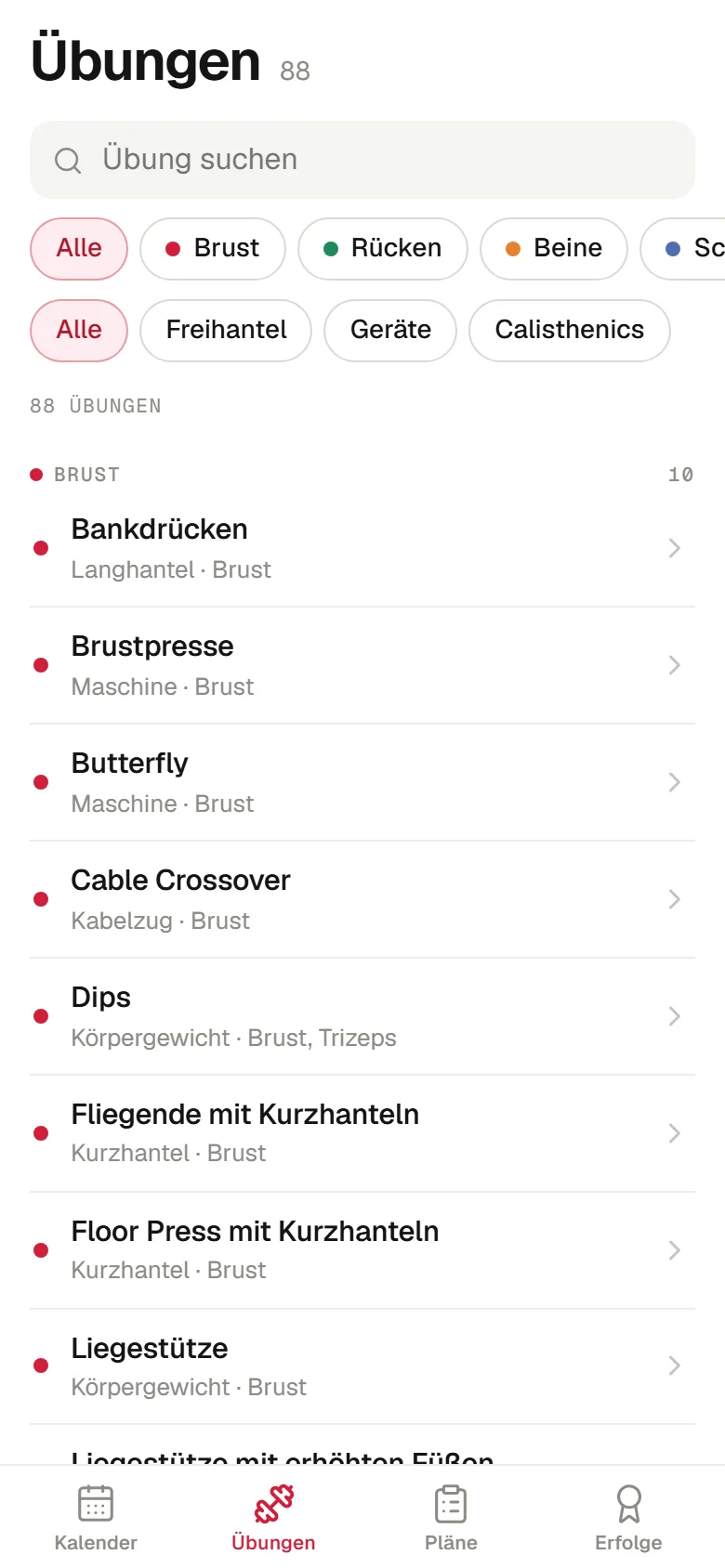
Each of the 88 exercises has an anatomical map: primary muscles in red, secondary in light red, with common and Latin names. Plus three technique cues and the trend of the estimated one-rep max.
Habits
Training and habits, one switch.
In habit mode the same calendar shows progress rings instead of muscle dots. Perfect days fill green, badges unlock as soon as a streak holds.
Technology
Built like a native app.
Installable and offline
As a progressive web app Tagwerk launches from the home screen and works without a connection.
Data stays on the device
No sign-up, no server. Export and import as a file keep the history safe.
Smooth on the iPhone
Zoom and transitions only move transform and opacity – the GPU does the work, the interface stays responsive.
Bilingual
German and English, with numbers and dates formatted for the language.
Design
Red, white, a touch of green.
White ground, hairlines like a lab table, readings in monospace. Red guides the interaction, green confirms what’s done. On the desktop the app stands as a device next to a QR code – to hand it over to your phone.